Last updated: · By Megan Hart
To clean your TV screen safely, start by turning it off and unplugging it. Use a microfiber cloth to gently wipe the screen. For smudges, lightly dampen the cloth with a solution of distilled water and white vinegar—never spray directly on the screen. Avoid using harsh chemicals or rough materials that could scratch. Regular cleaning keeps your screen clear and enhances its lifespan. If you want to discover more tips and techniques, keep exploring!
Understanding Different TV Screen Types
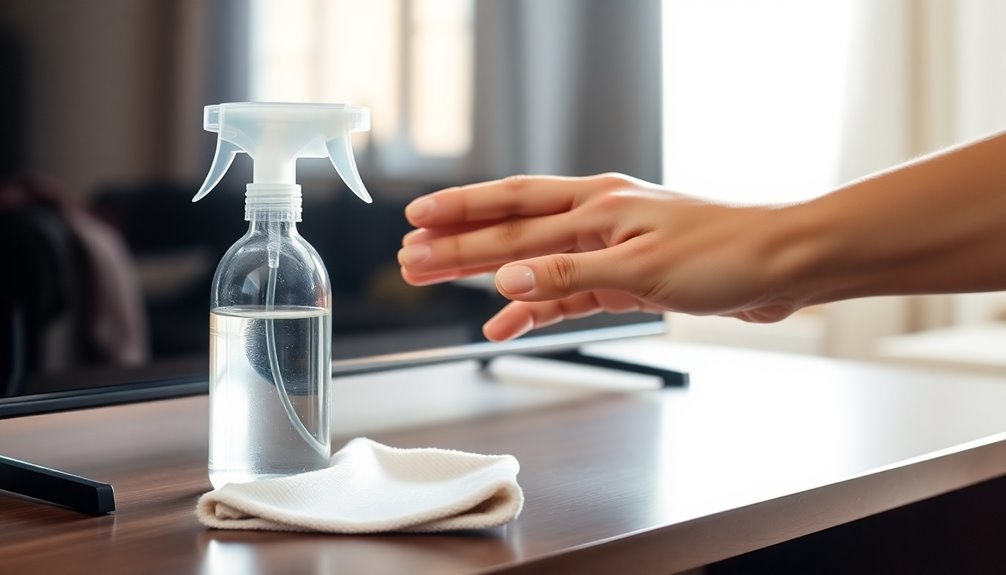
When you’re cleaning your TV screen, it’s essential to know what type of screen you have, since different materials require different care.
Most TVs today use LCD, LED, or OLED display technologies. LCD screens often have a protective coating, so you should use a microfiber cloth and a gentle cleaning solution. LED displays, while similar, can be more sensitive to harsh chemicals, so stick to mild cleaners. OLED screens are known for their vibrant colors but need extra caution; use only a soft cloth to avoid damaging the surface. Understanding these screen materials helps guarantee you clean effectively without risking damage, so always check your manufacturer’s guidelines before diving in. Additionally, using non-toxic cleaners ensures a safer cleaning process for both you and your screen.
Why Proper Cleaning Is Essential for Your TV
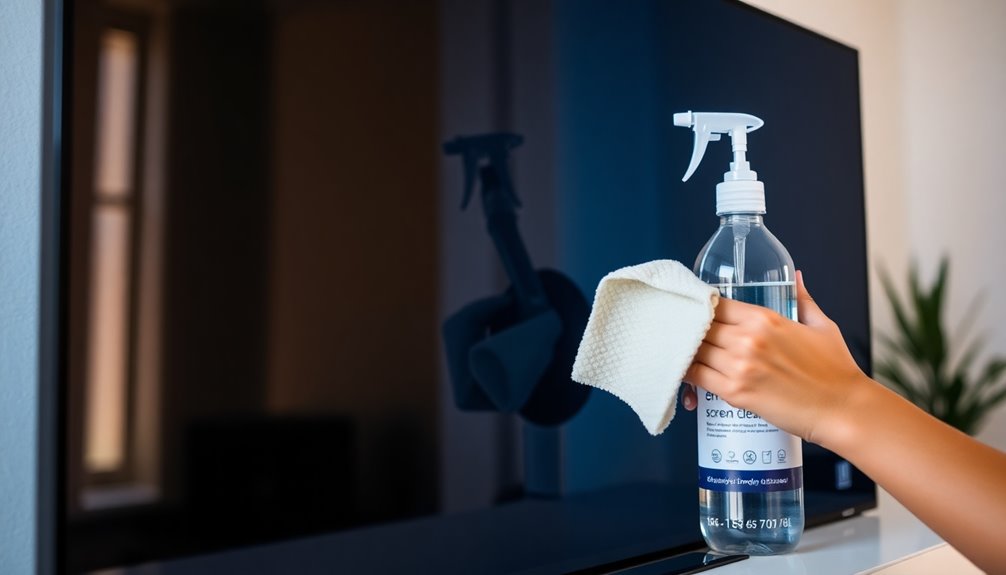
Proper cleaning is essential for your TV to protect its screen coating and keep it looking great. When you clean it right, you enhance picture quality, making your viewing experience much better. Plus, regular maintenance can extend your TV’s lifespan, saving you money in the long run. Additionally, using the right cleaning methods can help eliminate 99.9% of germs, ensuring a safer environment for your family.
Protect Screen Coating
Cleaning your TV screen the right way is vital to protect its delicate coating. Many modern TVs use specific coating materials designed to enhance durability and reduce glare.
However, improper cleaning can easily damage these coatings, leading to scratches or cloudiness. To guarantee effective screen protection, always use a microfiber cloth and avoid paper towels or harsh chemicals that can strip away the protective layer.
Dampen the cloth slightly with water or a gentle screen cleaner, and never apply liquids directly to the screen. By taking these precautions, you’ll help preserve the integrity of your TV’s coating, ensuring it remains clear and vibrant for years to come.
Protecting your screen is essential for maintaining your viewing experience.
Enhance Picture Quality
A clean TV screen not only preserves its protective coating but also greatly enhances picture quality. Dust, fingerprints, and smudges can distort your viewing experience, affecting contrast settings and color calibration.
When the screen is clear, colors appear more vibrant, and blacks are deeper—making your favorite shows and movies come alive. Regular cleaning guarantees that you see the picture as intended by the creators, without distractions from grime.
Plus, it helps maintain the accuracy of your contrast settings, allowing for a more immersive experience. By investing time in proper cleaning, you’re not just protecting your TV; you’re also elevating your overall viewing enjoyment.
Extend TV Lifespan
When you keep your TV screen clean, you’re not just enhancing the picture; you’re also extending its lifespan. Dust, fingerprints, and grime can accumulate on the screen, potentially affecting its performance and leading to overheating. Regular screen maintenance helps prevent these issues, ensuring your TV operates smoothly for years.
Proper cleaning techniques are essential in your TV care routine. Using the right materials and methods, like microfiber cloths and gentle solutions, avoids damaging the screen’s delicate surface.
Neglecting this aspect can lead to permanent marks or reduced display quality. By prioritizing cleanliness, you not only enjoy a clearer viewing experience but also safeguard your investment, allowing your TV to last longer and perform better.
What Do You Need for Safe TV Screen Cleaning?
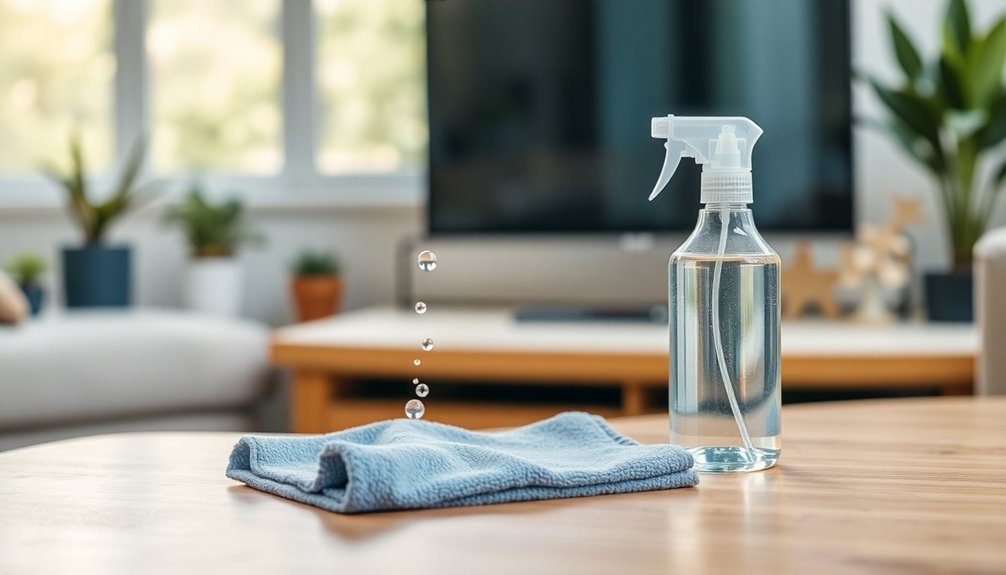
To guarantee a safe cleaning process for your TV screen, it’s vital to gather the right supplies beforehand. Start with microfiber cloths, as they’re gentle and won’t scratch the surface. You’ll also want a suitable screen solution specifically designed for electronics; avoid harsh chemicals.
Consider your cleaning frequency—weekly or bi-weekly is often ideal to combat dust accumulation. When you clean, use safe practices: turn off the TV and lightly dampen the cloth instead of applying liquid directly to the screen. This helps prevent streaks and guarantees a streak-free finish. Regular cleaning reduces germ spread and maintains functionality, ensuring your viewing experience remains enjoyable.
Having these supplies on hand will make the process smoother and keep your TV looking sharp. Remember, a little prep goes a long way in maintaining your screen’s quality.
How to Prepare Your TV for Cleaning
Before you start cleaning, make sure to turn off your TV and unplug it for safety.
Next, gather all your cleaning supplies, like a microfiber cloth and a gentle cleaner. This way, you’ll be ready to tackle the dust without any distractions.
Turn Off TV
Turning off your TV is an important first step in the cleaning process. Not only does this guarantee your safety, but it also prevents any potential damage to the screen during cleaning.
When your TV’s powered down, you won’t accidentally change settings or cause electrical issues while you’re working. It’s a good habit to turn off your TV regularly, not just for cleaning. This promotes TV safety and helps maintain peak performance.
If you clean your screen frequently—ideally every few weeks—you’ll keep it looking pristine and extend its lifespan.
Gather Cleaning Supplies
With your TV now powered off, it’s time to gather the right cleaning supplies. Start with a few microfiber cloths; they’re perfect for gently wiping your screen without scratching it. Avoid paper towels, as they can leave scratches and lint behind.
Next, consider eco-friendly options for cleaning solutions. You can mix distilled water with a little white vinegar in a spray bottle for a safe, effective cleaner. Just remember not to spray directly on the screen; instead, lightly dampen the cloth.
If you prefer store-bought solutions, choose ones specifically designed for electronics. Having these supplies ready will make the cleaning process smooth and effective, ensuring your TV screen remains pristine without any damage.
Step-by-Step Guide to Cleaning an LCD Screen
Cleaning your LCD screen doesn’t have to be an intimidating task; just follow these simple steps to secure a streak-free finish.
First, turn off your TV and unplug it to guarantee safety.
Next, gather a microfiber cloth—this helps avoid scratches. Dampen the cloth slightly with water or a screen-safe cleaner, but never apply liquid directly to the screen.
Wipe the screen gently in circular motions, focusing on any smudges. Avoid harsh chemicals, as they can damage the screen. Using eco-friendly methods can help protect both your screen and the environment, as natural alternatives are less harmful.
After cleaning, let it dry completely before turning your TV back on.
Remember, regular screen maintenance helps prolong your TV’s life.
Don’t fall for cleaning myths; sticking to these methods will keep your LCD looking pristine!
Step-by-Step Guide to Cleaning an LED Screen
Cleaning your LED screen doesn’t have to be complicated. First, gather the essential supplies you’ll need, like a microfiber cloth and a suitable cleaning solution. Remember to avoid mixing vinegar with other cleaners to prevent toxic fumes. Then, follow the proper techniques to keep your screen in top condition without causing any damage.
Essential Cleaning Supplies
To effectively clean your LED screen, you’ll need a few essential supplies. First, grab some high-quality microfiber cloths. These are soft and won’t scratch your screen, making them perfect for wiping away dust and fingerprints.
Next, you’ll want a suitable cleaning solution. Look for a gentle, alcohol-free cleaner specifically designed for electronics, as harsh chemicals can damage your screen. If you prefer a DIY approach, a mixture of distilled water and white vinegar works well, too.
Make sure to avoid paper towels or rough fabrics, as they can leave scratches. With these supplies in hand, you’ll be ready to keep your TV screen looking pristine without the risk of damage.
Proper Cleaning Techniques
A spotless TV screen enhances your viewing experience, so knowing the right techniques is key.
Start by dusting the screen with a microfiber cloth weekly to maintain cleaning frequency and prevent dust buildup. If smudges appear, lightly dampen the cloth with a 50/50 solution of distilled water and white vinegar.
Gently wipe the screen in circular motions, avoiding excessive pressure. Never spray the solution directly on the screen; always apply it to the cloth first. For stubborn marks, repeat the process, but don’t overdo it.
Finally, regularly check your TV area for dust prevention by keeping it clutter-free and using air purifiers if necessary. Following these steps will keep your LED screen pristine and enhance your viewing pleasure.
Step-by-Step Guide to Cleaning an OLED Screen
OLED screens require special care to maintain their vibrant display and longevity. Start by unplugging your TV to guarantee safety.
Use a microfiber cloth, as it’s gentle and won’t scratch the screen. Lightly dampen the cloth with distilled water or a dedicated screen cleaner—never spray directly on the screen. Gently wipe the surface in circular motions, avoiding excessive pressure.
For stubborn spots, repeat the process but be cautious not to overclean; a cleaning frequency of once every few weeks should suffice.
Consider employing screen protection, like a specialized cover, to minimize dust and smudges. By following these steps, you’ll keep your OLED screen looking sharp and fresh for years to come.
Common Mistakes to Avoid When Cleaning Your TV
Cleaning your TV screen can be straightforward, but it’s easy to make mistakes that can damage the display. One common error is using the wrong cleaning techniques, like applying too much pressure or using abrasive materials.
Always check your screen materials; many modern TVs, like OLEDs, require gentler care. Avoid using household cleaners containing ammonia or alcohol, as these can harm the screen’s coating. Instead, opt for a microfiber cloth slightly dampened with water or a specialized cleaner. Additionally, consider using natural wood polish for cleaning wooden furniture nearby to enhance your indoor air quality.
Also, don’t forget to turn off your TV before cleaning—this not only protects the screen but also helps you see smudges better.
How to Deal With Stubborn Stains on Your Screen
While stubborn stains can be frustrating, dealing with them doesn’t have to be. Start by mixing equal parts distilled water and white vinegar in a spray bottle.
Stubborn stains don’t have to ruin your viewing experience; try a simple mix of distilled water and white vinegar for easy cleaning.
Lightly mist a microfiber cloth with the solution—never spray directly on the screen. Gently wipe the affected area, focusing on stubborn fingerprints and persistent smudges.
If that doesn’t work, consider using a specialized screen cleaner designed for TVs. Just apply it to your cloth, not the screen, and follow the same wiping technique.
For really tough stains, you might need to repeat the process a couple of times. Always remember to be gentle to avoid damaging your screen. Additionally, using non-toxic cleaning products can help ensure that you maintain a safe cleaning environment.
With patience, you’ll have a crystal-clear display in no time!
Tips for Maintaining a Dust-Free TV Environment
Keeping your TV environment dust-free can make a significant difference in your viewing experience. Start by implementing regular dust control measures.
Use microfiber cloths to wipe down surfaces weekly, focusing on shelves and entertainment units. Consider using an air purifier to reduce airborne dust particles, especially if you have pets. Additionally, maintain a cleaning frequency that suits your environment—every week is ideal for most homes. Don’t forget to reposition furniture occasionally to access hidden areas where dust collects.
If you notice dust buildup on your TV, clean it promptly to prevent it from affecting your screen. By staying proactive, you’ll not only enhance your viewing pleasure but also prolong the life of your TV. Maintaining a clean home can also help reduce indoor air quality issues that may exacerbate allergies.
When to Seek Professional Help for TV Cleaning?
Here are some signs that indicate you should reach out to cleaning specialists:
- Unremovable Stains: If stubborn stains refuse to budge despite your best attempts.
- Screen Damage: Cracks or scratches that could worsen with improper cleaning.
- Technical Issues: If your screen displays unusual colors or flickers, it may need expert diagnosis.
- Allergy Concerns: If dust and allergens accumulate, professional services can guarantee a thorough clean.
Additionally, regular maintenance of your TV screen can help prevent issues before they require professional intervention. Don’t hesitate to contact cleaning specialists when you face these issues—they can restore your TV to its prime condition safely.
Best Products for Safe TV Screen Cleaning
If you’ve decided to tackle the cleaning of your TV screen yourself, choosing the right products is key to maintaining its quality.
Look for gentle screen cleaners specifically designed for TVs, as these won’t damage the display. Avoid harsh chemicals or ammonia-based solutions, which can strip away protective coatings.
Choose gentle screen cleaners designed for TVs to maintain display quality; avoid harsh chemicals that can damage protective coatings.
Pair your cleaner with high-quality microfiber cloths; these are soft, lint-free, and won’t scratch the surface. When using the cleaner, spray it directly onto the cloth, not the screen, to prevent excess moisture.
Wipe gently in circular motions to lift dust and fingerprints without applying too much pressure. By using the right screen cleaners and microfiber cloths, you’ll keep your TV looking its best for years to come. Additionally, opting for eco-friendly alternatives can enhance your cleaning routine while reducing harmful chemical exposure.
Conclusion
To summarize, keeping your TV screen clean is like giving your favorite movie a fresh coat of paint—it enhances the viewing experience. By following the right cleaning techniques and using safe products, you can guarantee your screen stays vibrant and clear. Remember, a little maintenance goes a long way in preserving your entertainment setup. So grab your microfiber cloth and keep those streaks at bay for crystal-clear viewing every time you turn it on!
One Reply to “How to Clean a TV Screen Safely”